WaterCube: Understanding What’s Happening in Your River Reach

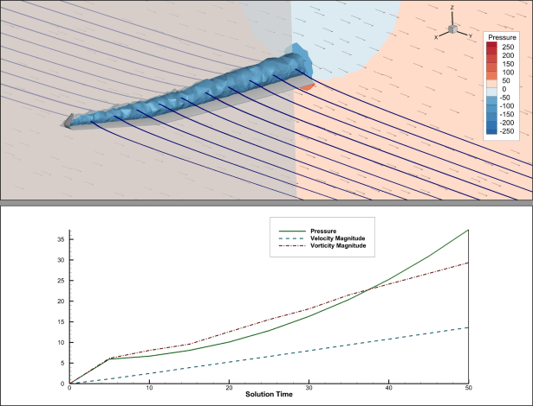
What Is WaterCube? WaterCube and Tecplot have joined forces to create a Water Resource Management Solution that helps scientists and researchers acquire, process and understand complex river-system data. We want to share this first-of-its-kind solution with you! “Understanding What’s Happening in Your River Reach” will introduce you to a unique data visualization solution that takes the power of big data and makes it usable on a mass scale, allowing you […]
» Read More


Printed Plots That Scream "WOW"

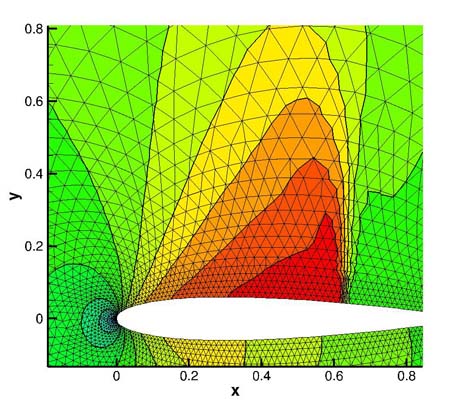
Here are 10 tips for creating publication quality plots that make an impact. The Tecplot 360 User’s Manual has chapters on all of the topics discussed below and can be found in our documentation. Explore the Plot Gallery with hundreds of plot examples. Learn the best way to share your results with key players. Choosing the right output formats, color and layout help you present your results more effectively in […]

» Read More


Converting Your Data Files to Tecplot Subzone Loadable Format

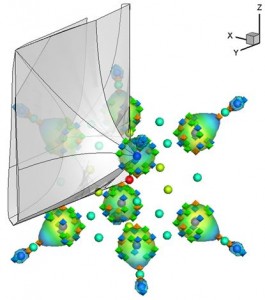
As the years go by, more and more engineers and scientists are working with files containing hundreds of millions of cells, with billions on the horizon. Tecplot 360 introduced a new data file format called SZL or subzone loadable (filename extension .szplt) to address the needs of customers who are visualizing large data files, improving interactive performance, and simultaneously reducing memory requirements. When faced with the task of making large […]

» Read More


Quick Macro Panel Streamlines Repetitive Operations

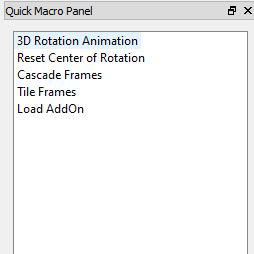
Using the software for data analysis often requires algorithms with many repeated operations, and in some cases many different operations. Tecplot engineers have created a macro language to streamline these operations. Macros are recordable, easy to edit, and don’t require any development experience. Quick Macro Panel Some commonly used complex and repetitive algorithms (within the aerospace community) have been incorporated into a dynamic Tecplot 360 interface called the Quick Macro […]

» Read More